School admins
Run accounts, consent and privacy for your college from one console.
- Academic years, classes and roster import with credential slips
- Invite Teachers, set roles and capabilities
- Guardian consent and privacy requests in one place
For Maharashtra XI/XII Science IT
Board-pattern practice, class tests, practicals and journals for Maharashtra schools, in मराठी and English, with accounts your school controls.
English-medium titles
What's inside
Practice, tests, practicals and journals share one account, one class and one record.
Board-pattern questions with an explanation after each answer, then a clear next step.
Timed tests in the Board format. Teachers grade them, then release results together.
Students do the SOP practical work; Teachers observe it and record the result.
Teachers review journal activities and the school signs them off.
A class heatmap shows the chapters that need another lesson and builds a reteach set.
Every screen works in both languages. Questions stay in English, as on the Board paper.
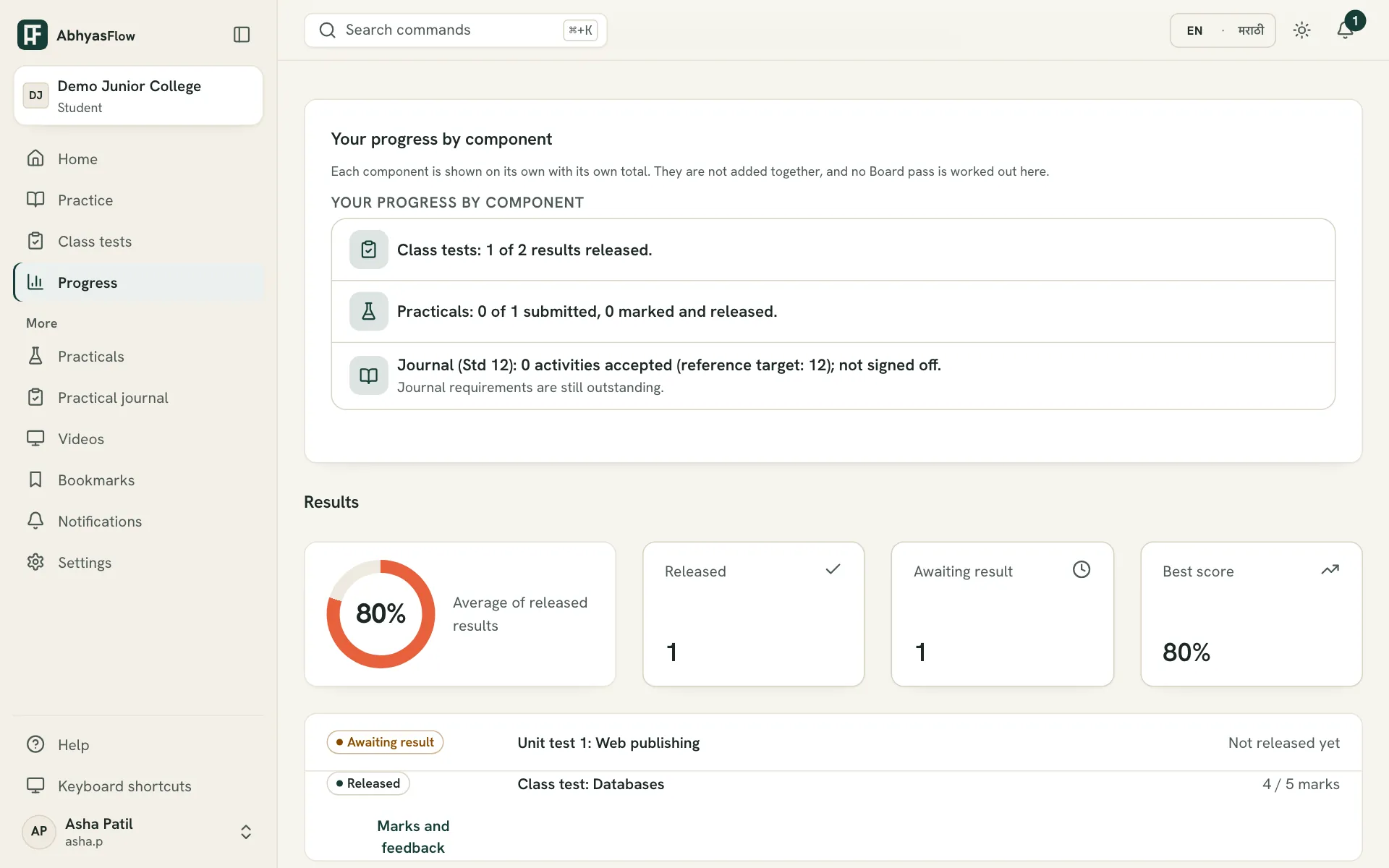
See it in action
Press play to watch a Teacher and a Student use AbhyasFlow.
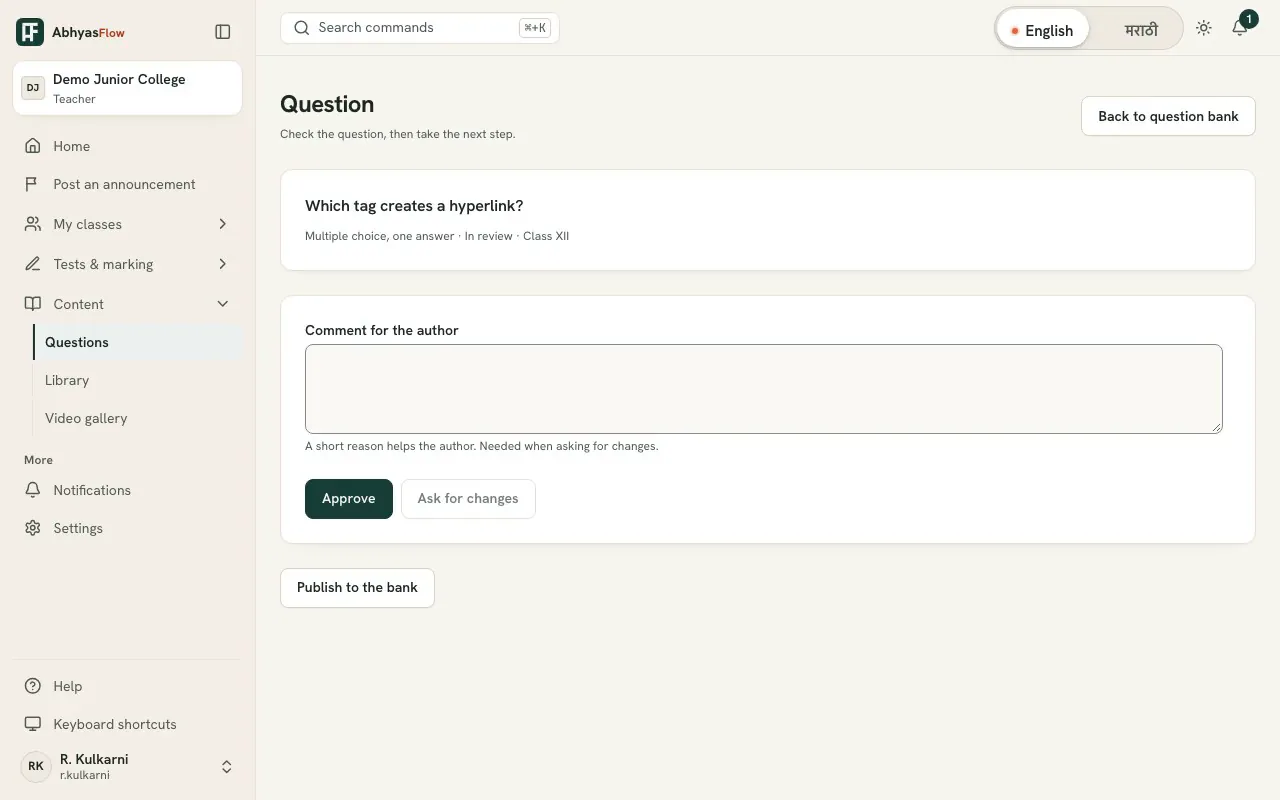
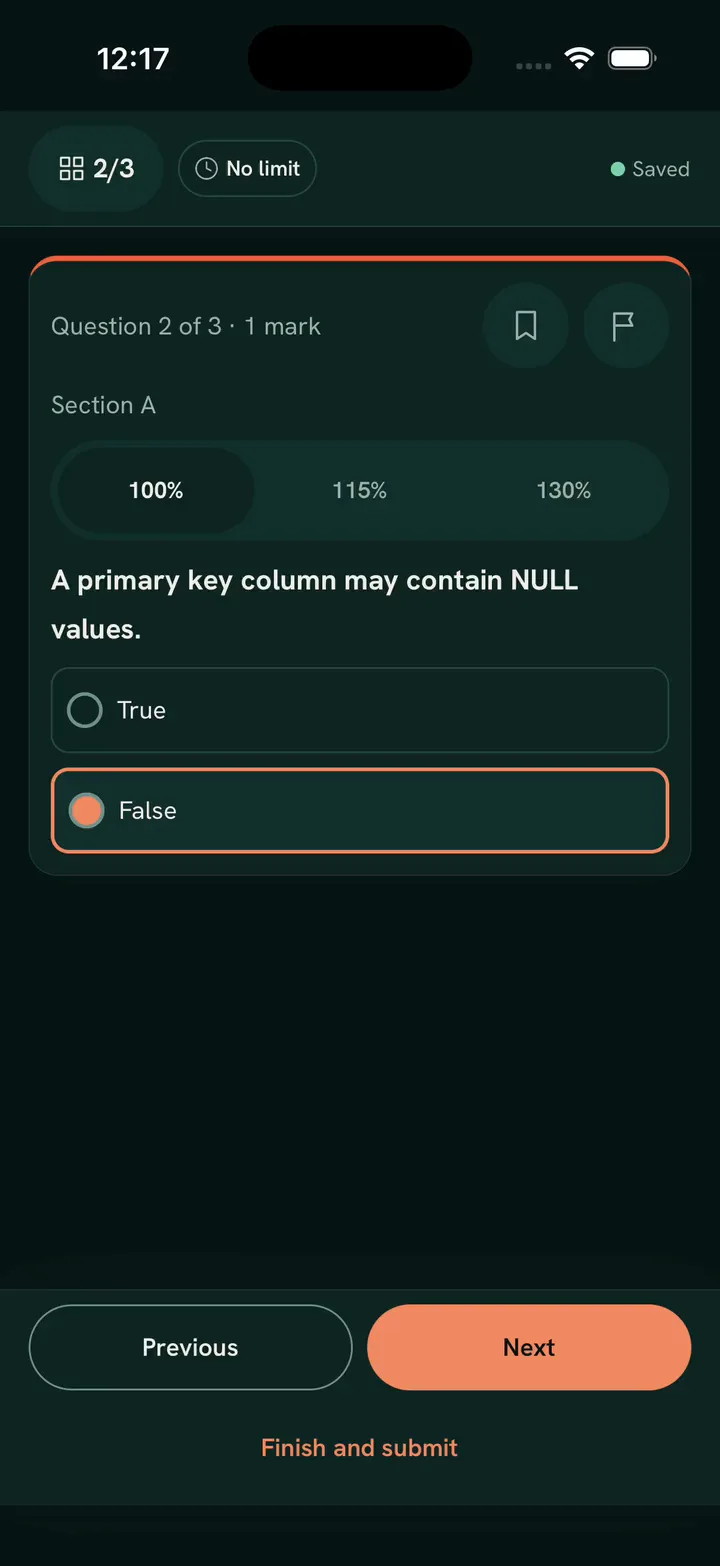
Actual app screens. Example school data.
How it helps
The loop a Teacher already runs in class, with every step kept in one place.
Illustrations use a synthetic school.
Who it's for
School admins set it up, Teachers run the class and Students practise.
Run accounts, consent and privacy for your college from one console.
Set a fair test in minutes, grade quickly and reteach what the class missed.
Practise the way the Board exam feels, and see what to revise next.
Getting started
A school applies. After review, the first School admin sets up classes and invites teachers. Students then sign in with a school account.
Apply online.
You receiveAn application ready for review.
We review it and invite your first School admin.
You receiveAn invite for the first School admin.
Import your roster and invite teachers.
You receiveClasses set up, and teachers invited.
Privacy
School-issued accounts. Separate records. Clear rules for consent and access.
Read the privacy noticeFAQ
No. AbhyasFlow is an independent practice platform. It is not made, approved or endorsed by the Maharashtra State Board. The paper layout follows the Board's published pattern, and marks here are practice and school marks, never an official result.
No. Your school office creates your account and gives you a username or an email invite.
No. Practice is for learning and never counts towards your marks. Only class tests your teacher releases count as school marks.
Only people at your school who need it. Each school's records are kept separate and never sold.
Apply for your school. After review, the first School admin invites teachers.
School. Teacher. Student.शाळा. शिक्षक. विद्यार्थी.